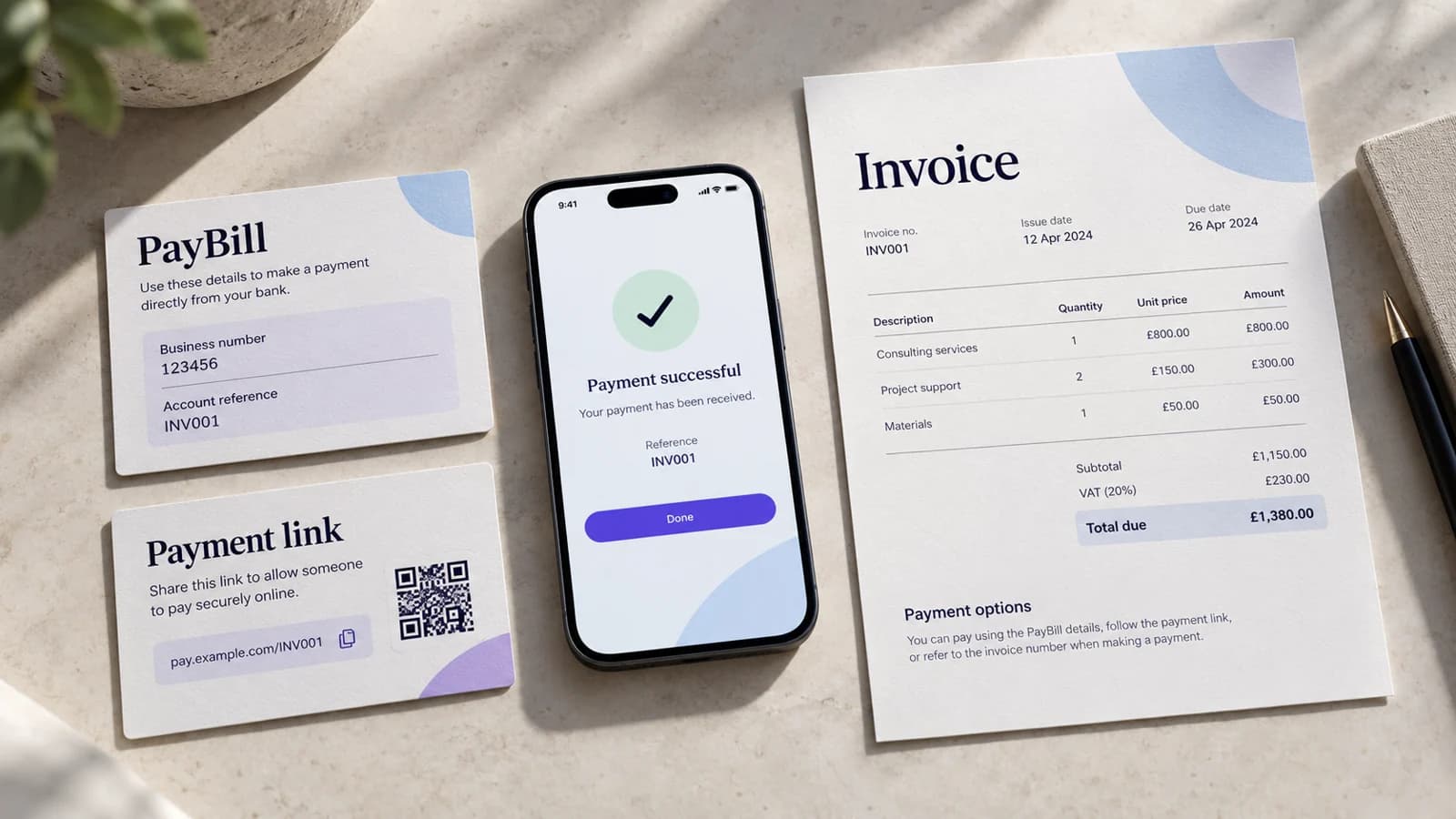
You do not need to replace every tool at once. A small business can move from PayBill, spreadsheets and WhatsApp follow-ups to a structured monthly routine in stages.
The objective is simple: know what is due, give the customer a clear way to pay, stop follow-up once payment is confirmed, and leave only exceptions for staff to handle.
What you can improve this month with the tools you already have
Start by making one spreadsheet the billing register rather than the M-PESA statement itself.
- Give every customer a stable customer or member ID.
- Create one row for each monthly amount due, with period, amount, due date and status.
- Use a consistent PayBill account/reference value instead of free-text references where your setup allows it.
- Record the M-PESA transaction reference against the row it settles.
- Change the row to Paid before sending any further reminder.
That does not automate collection, but it removes the most damaging ambiguity: staff can see what is still due without searching messages and transaction histories first.
Step 1: separate the amount due from the payment
For each billing period, create one obligation before the customer pays. A November membership remains the November membership whether the customer pays through a PayBill, a payment link or another approved route.
Do not create a new invoice every time someone retries. Keep one commercial record and attach payment evidence to it.
Step 2: make the reference easy to get right
If customers pay manually to a PayBill, give them a reference they can copy from the invoice or reminder. A member number, admission number, tenant account or invoice code is more reliable than asking the payer to invent text.
The purpose is not to make the reference clever. It is to make matching predictable.
Step 3: stop using WhatsApp as the ledger
WhatsApp is useful for communication. It is a poor source of truth for billing.
A message saying “I paid” or a screenshot should trigger a lookup in the billing record and provider evidence. It should not become the payment record itself.
Step 4: move reminders from a contact list to a due list
Instead of messaging everyone on the first of the month, filter for invoices that are actually due or overdue.
Before sending, re-check the row. If it is Paid, adjusted, frozen or under review, do not send the reminder.
Step 5: automate only after the manual routine is clear
Once the business has a stable billing register, automation can take over repeatable work: creating monthly obligations, sending contextual payment paths, processing provider results, suppressing reminders, flagging exceptions and preparing reconciliation.
Automation should replace repetitive checking, not hide an unclear process.
A practical switch-over plan
Week 1: clean the customer register
Assign stable IDs, remove duplicate customer records and agree on one billing date or rule per plan.
Week 2: create a monthly due register
Generate the current month's obligations and use one status vocabulary such as Due, Paid, Overdue and Review.
Week 3: standardize payment references and reminders
Put the correct reference and amount in each reminder. Stop sending generic instructions that force customers to search for old PayBill details.
Week 4: measure the exceptions
Count unmatched payments, late payments, screenshot confirmations, repeated reminders and manual lookups. Those numbers tell you where software will create the most value.
When software becomes worth adding
A structured recurring-payment system becomes more useful when staff are repeatedly reconciling the same monthly cycle, payment status affects service, the business needs several payment methods, or manual follow-up is becoming a meaningful operating cost.
For a detailed buyer checklist, see the recurring payment software guide. For businesses that may not need recurring software at all, see the guide on when a simpler collection tool is enough.