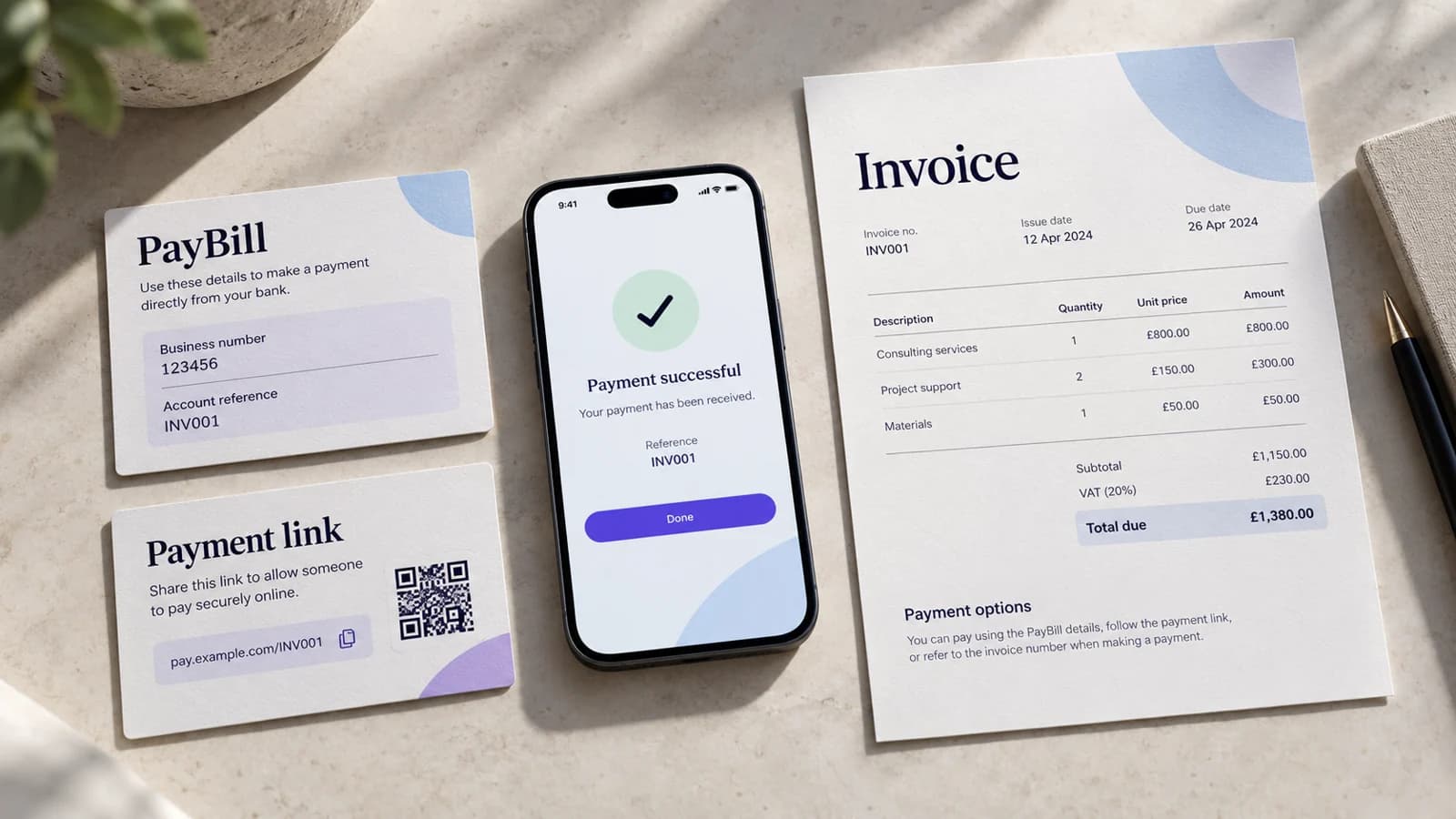
The account number on a PayBill payment is not a decorative field. It is one of the strongest clues the business gets for deciding which customer or invoice a payment belongs to.
A good reference scheme reduces manual matching. A bad one creates a permanent exception queue.
Start with the object you need to identify
Choose whether the PayBill reference identifies a customer account or a specific invoice.
Customer-level reference
Useful when the customer pays the same account repeatedly and the business can allocate the amount to the current due item.
Example: GYM1842 or TENANT052.
Invoice-level reference
Useful when several invoices can be open at once, or when finance needs the payment tied to one billing period immediately.
Example: INV26011A7.
Do not mix both schemes casually. Decide which object the reference means and document it.
Keep the reference stable, short and typeable
- Avoid spaces and punctuation that customers may enter inconsistently.
- Avoid long random strings that are difficult to copy from an SMS.
- Avoid using a phone number as the only customer identity; someone else may pay on the customer's behalf.
- Avoid meaningful personal data such as a full national ID number.
A reference should be easy to print on an invoice, read over the phone and copy into the M-PESA menu.
Consider a check character for high-volume manual entry
If customers type references manually and one wrong digit creates expensive support work, a simple check character can catch transcription errors before allocation.
For example, the system can generate an internal account code plus one validation character. The exact algorithm is an implementation choice; the customer should not have to understand it.
Use C2B validation where the merchant setup supports it
Safaricom's Daraja Customer to Business flow supports validation and confirmation URLs for registered C2B setups. A validation endpoint can be used to accept or reject a transaction before it is completed, subject to the merchant's approved configuration.
That makes it possible to reject clearly invalid account references rather than receiving money first and discovering the mismatch later.
Do not assume validation is active merely because a PayBill exists. Confirm the C2B configuration for the merchant.
Store BillRefNumber exactly as received
The C2B confirmation payload includes BillRefNumber alongside fields such as TransID, TransAmount and BusinessShortCode.
Preserve the raw BillRefNumber even after you map it to your customer or invoice. It is part of the provider evidence used during reconciliation.
What to print on the invoice
The invoice or reminder should show the PayBill number, the exact account/reference value, the amount due and the business name.
Do not make the customer infer which membership number, phone number or invoice code to use.
Handle wrong references as exceptions
A successful M-PESA payment with an unknown reference is still money received. Put it in an unmatched-payment queue rather than silently attaching it to the nearest-looking customer.
A clean exception record should preserve the transaction ID, amount, time, payer information available under the provider response, BillRefNumber and any manual resolution.
Sources
Safaricom Daraja Customer to Business API: https://developer.safaricom.co.ke/apis/CustomerToBusiness