STK Push handles the payment moment, not the whole renewal
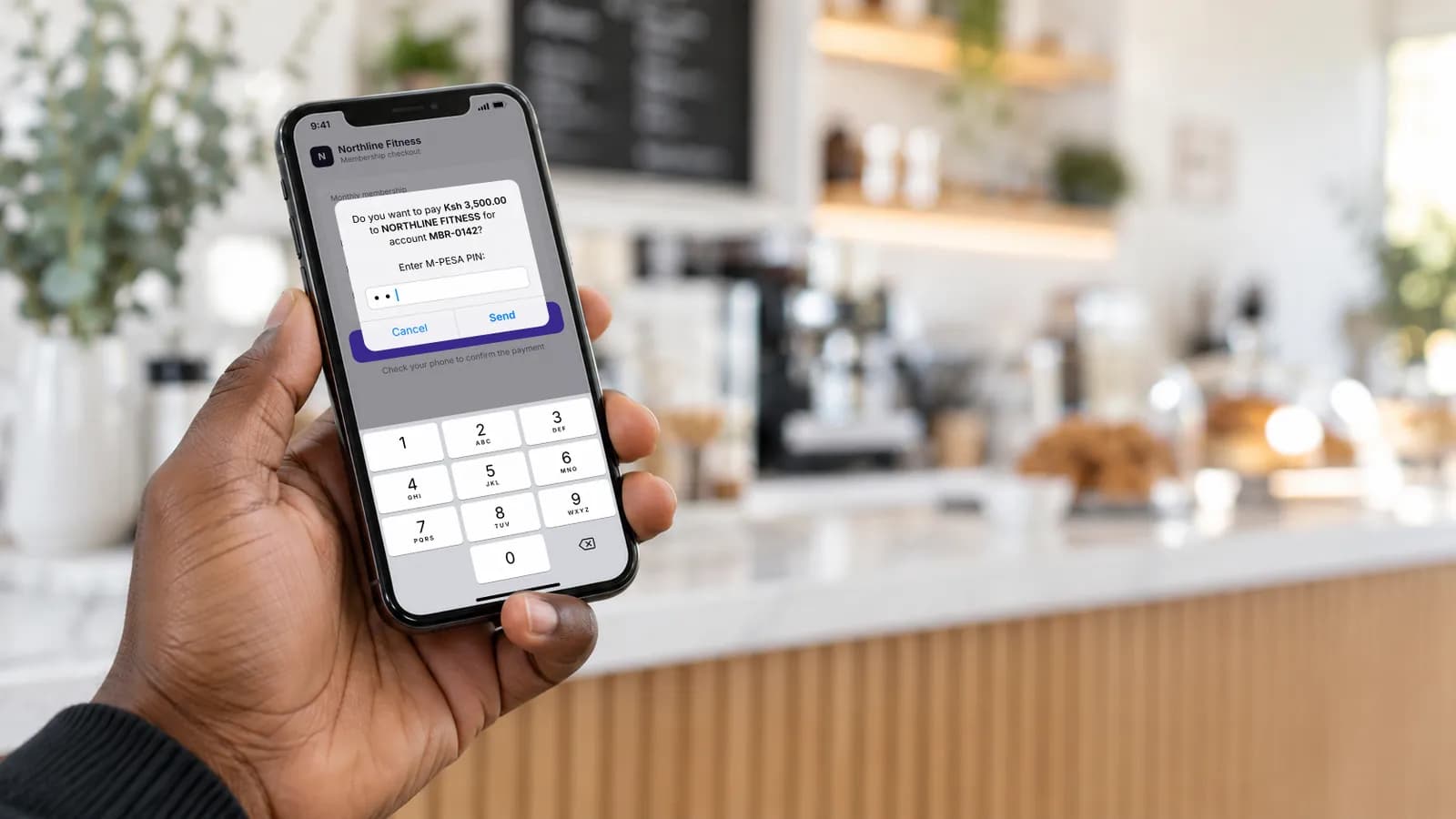
Safaricom's M-PESA Express API, widely known as STK Push, lets a business send a PayBill or Buy Goods payment request to a customer's phone. That is useful for recurring billing because it gives you a contextual way to ask for payment when an invoice falls due.
STK Push does not create the invoice, decide whether another attempt is safe, run recovery or reconcile the result. Those jobs belong to the billing workflow around it.
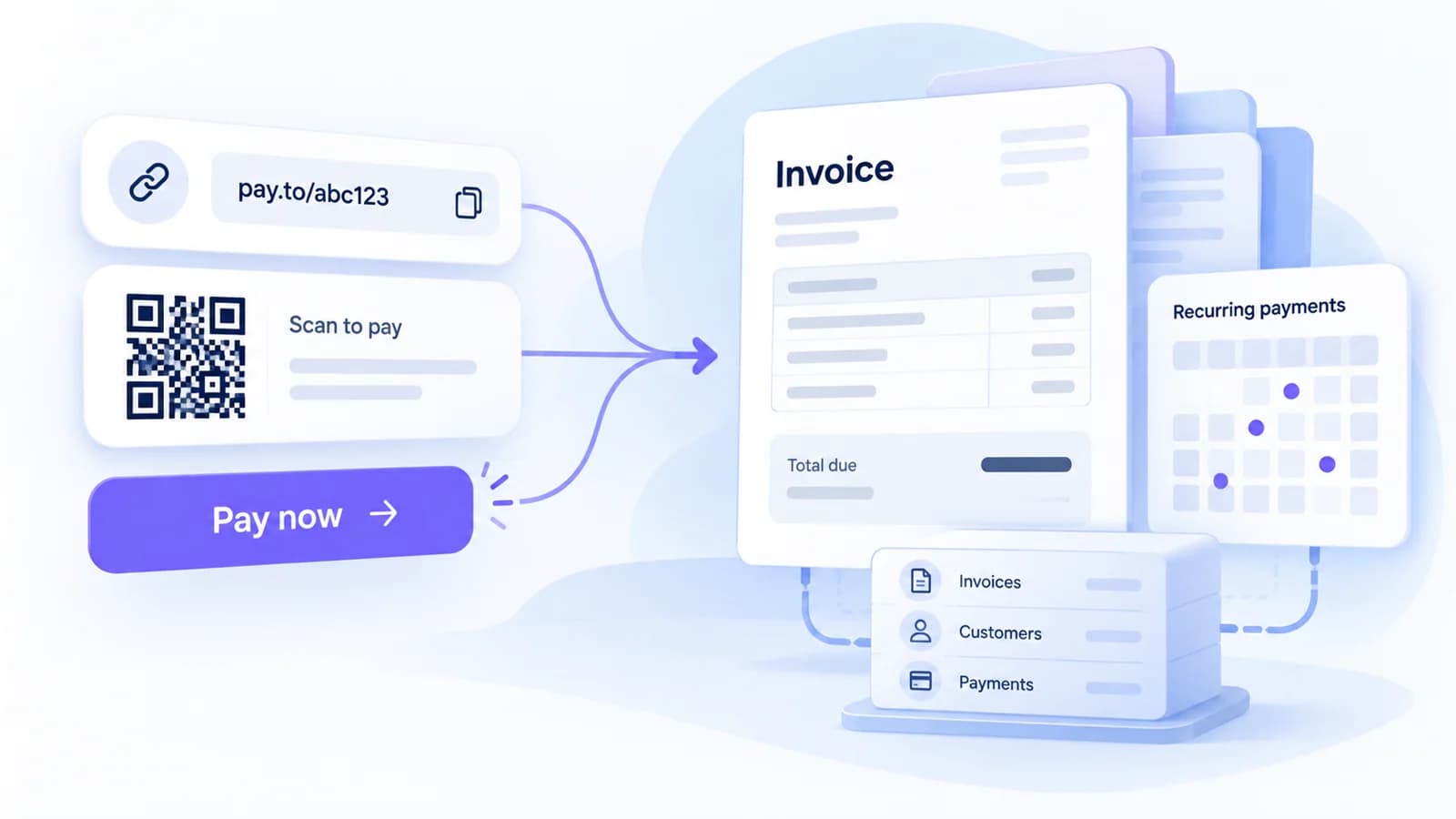
What should exist before the STK Push?
Before sending a request, the business should already know which customer or account is being billed, which period the payment covers, the amount and currency, the due date and whether the invoice can still be collected. For example:
Invoice:  INV-NOV-2418
Plan:     Pro
Period:   November 2026
Amount:   KES 1,900
Status:   Due
The STK Push should create or attach to a payment attempt against that invoice. The M-PESA request itself is not the commercial record.
What happens when the request is sent?
Your approved integration sends the request through Daraja, or through a PSP that offers M-PESA Express. Safaricom responds with identifiers including a CheckoutRequestID, and the customer sees a prompt on their phone to enter their M-PESA PIN. At that point the billing system should record something like this:
Invoice:     INV-NOV-2418
Attempt:     ATT-11842
Method:      M-PESA Express
Checkout ID: (CheckoutRequestID from Safaricom)
State:       Awaiting customer
Store the CheckoutRequestID with the attempt. You will need it to look up the result if the callback is late.
A prompt is not a payment
This is the most important operational distinction. The customer can approve the request, cancel it, ignore it until it times out, or be interrupted before the final result reaches you. The billing system has to wait for provider evidence before treating the invoice as paid. Customer-facing copy can say the payment request has been sent without implying that payment has succeeded.
Where callbacks fit
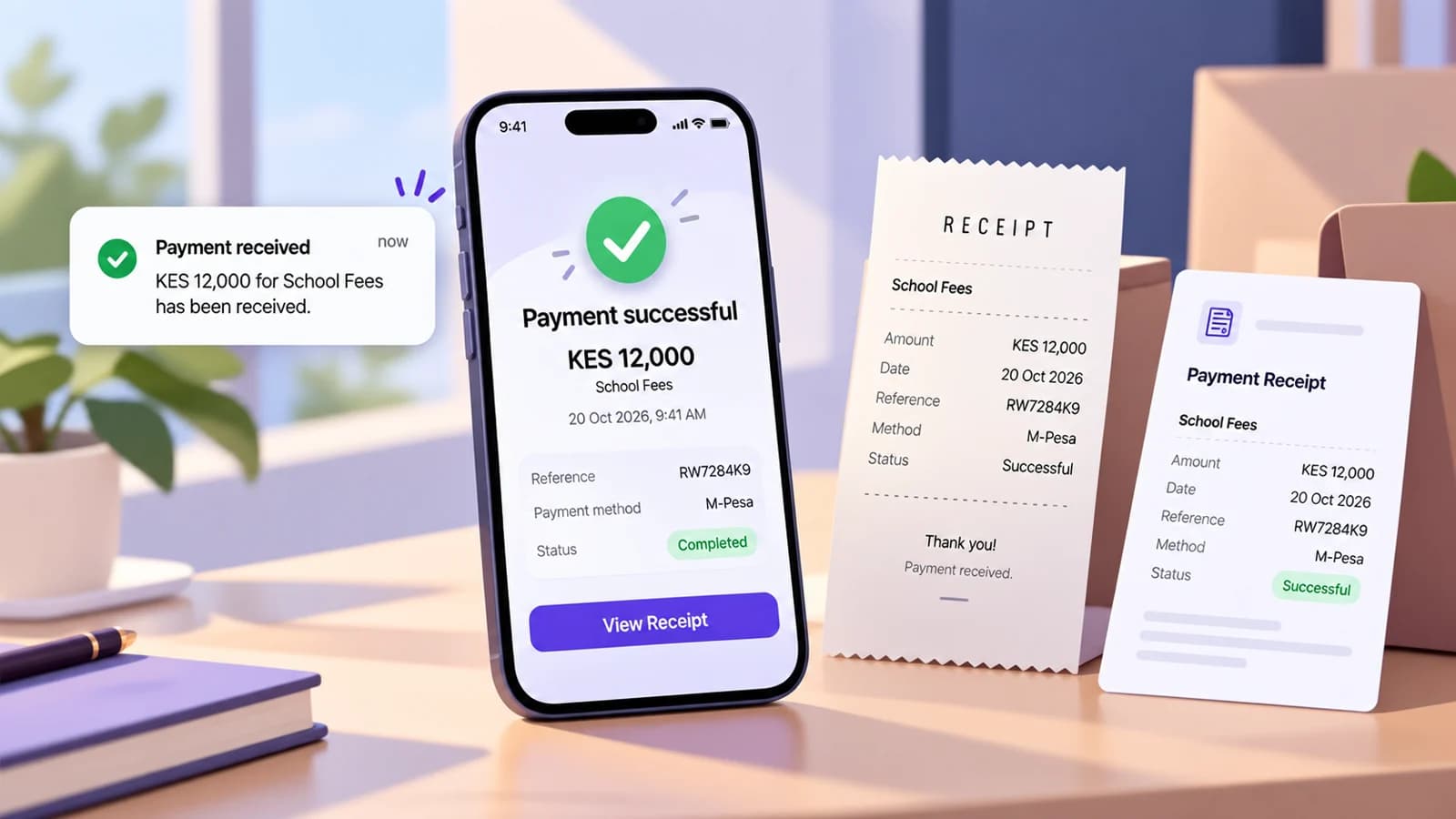
M-PESA Express returns the final result asynchronously to the callback URL you supplied. The callback includes a ResultCode (0 means the payment succeeded; other codes describe why it did not) and, on success, the M-PESA receipt number and amount.
Your callback handler should find the payment attempt using the CheckoutRequestID, keep the raw result, map it to your internal payment state, and update the invoice only when the evidence is sufficient. Processing the same callback twice should never create the same commercial effect twice.
What if the callback never arrives?
Do not assume the payment failed. Safaricom provides the M-PESA Express Query API for exactly this case: it checks the status of an M-PESA Express request using its CheckoutRequestID. If the payment did complete and you have its M-PESA receipt number, the Transaction Status API is a further check that Safaricom describes as a secondary reconciliation mechanism when callbacks are not received.
That gives you three distinct states:
- Pending: the attempt is still within the expected processing window.
- Unknown: the expected result did not arrive and a status check is needed.
- Failed or expired: provider evidence confirms the attempt ended without payment.
Keeping these apart protects the customer from unnecessary duplicate requests.
When is another STK Push safe?
Send a fresh payment request only when:
- the invoice is still due;
- the previous attempt has ended without payment;
- no other payment has already settled the invoice;
- your retry policy allows another attempt.
A timer running out is not enough. If the previous result is unresolved, check it first. This is where billing logic matters more than the STK API call.
How STK Push fits into a recurring renewal
A clean renewal can look like this:
- The November invoice becomes due.
- The business sends a contextual reminder or payment link.
- The customer chooses M-PESA.
- A payment attempt is created.
- M-PESA Express sends the prompt.
- The customer approves on their phone.
- The result arrives by callback, or is fetched with M-PESA Express Query.
- The invoice is marked paid only once there is sufficient evidence.
- Collection follow-up stops.
- Finance reconciliation continues separately.
STK Push is step 5, not the entire system.
Why a scheduled prompt to everyone is not enough
A simple implementation can run a daily job that sends a prompt to everyone due that day. It misses several questions:
- Has the invoice already been paid through another route?
- Is a previous payment still unresolved?
- Is the customer in a grace period?
- Is the amount still correct after a plan change or credit?
- Is M-PESA enabled for this merchant and account?
The scheduler can trigger the work. The invoice state should decide whether that work is still valid.
What STK Push improves, and what it does not
Used well, STK Push removes repetitive steps for the customer. They no longer need to remember the merchant number, account reference and amount, because the request is built from the invoice. That makes recurring payment easier for the customer and makes the resulting transaction easier to match to the right invoice.
STK Push does not decide what becomes due, when a grace period starts, how many reminders are appropriate, when to offer another wallet, what happens to service after non-payment, how the payment is reconciled, or how the same billing model works through another provider. Our failed-payment recovery guide covers the recovery side, and our M-PESA reconciliation workflow covers what finance does with the result.
An STK request handoff that a developer can test
The following is an illustrative integration checklist; it is not a claim that all PSP wrappers expose identical fields.
| Checkpoint | Required record | What must not happen |
|---|---|---|
| Before initiation | Merchant, invoice ID, amount/currency, permitted method | Initiate from an already-paid or cancelled invoice |
| Request accepted | Stable attempt ID, provider CheckoutRequestID, initiation time | Close the invoice merely because Safaricom accepted the request |
| Callback received | Correlated provider result and receipt evidence if successful | Apply the same success twice after callback redelivery |
| Callback absent | Pending/unknown state and logged query outcome | Automatically label the attempt failed on local timeout |
| Verified success | Invoice closed once and reminders suppressed | Start another STK prompt on the same paid obligation |
A useful acceptance test: simulate a customer approving the prompt while the callback is delayed. The UI should say "We're checking your payment" rather than "Payment failed—pay again." After the provider status is verified, show the correct final state and receipt information. This is recommended product copy for an example, not a quotation from an M-PESA screen.
Two identifiers with different jobs
The invoice ID says what the customer owes; the CheckoutRequestID identifies the specific M-PESA Express attempt. Keep them linked, but never use the attempt reference as a substitute for the recurring invoice. An ordinary C2B payment follows a different evidence path; do not run the M-PESA Express Query API against a PayBill receipt that has no CheckoutRequestID. See M-PESA payment reconciliation for the C2B matching side.