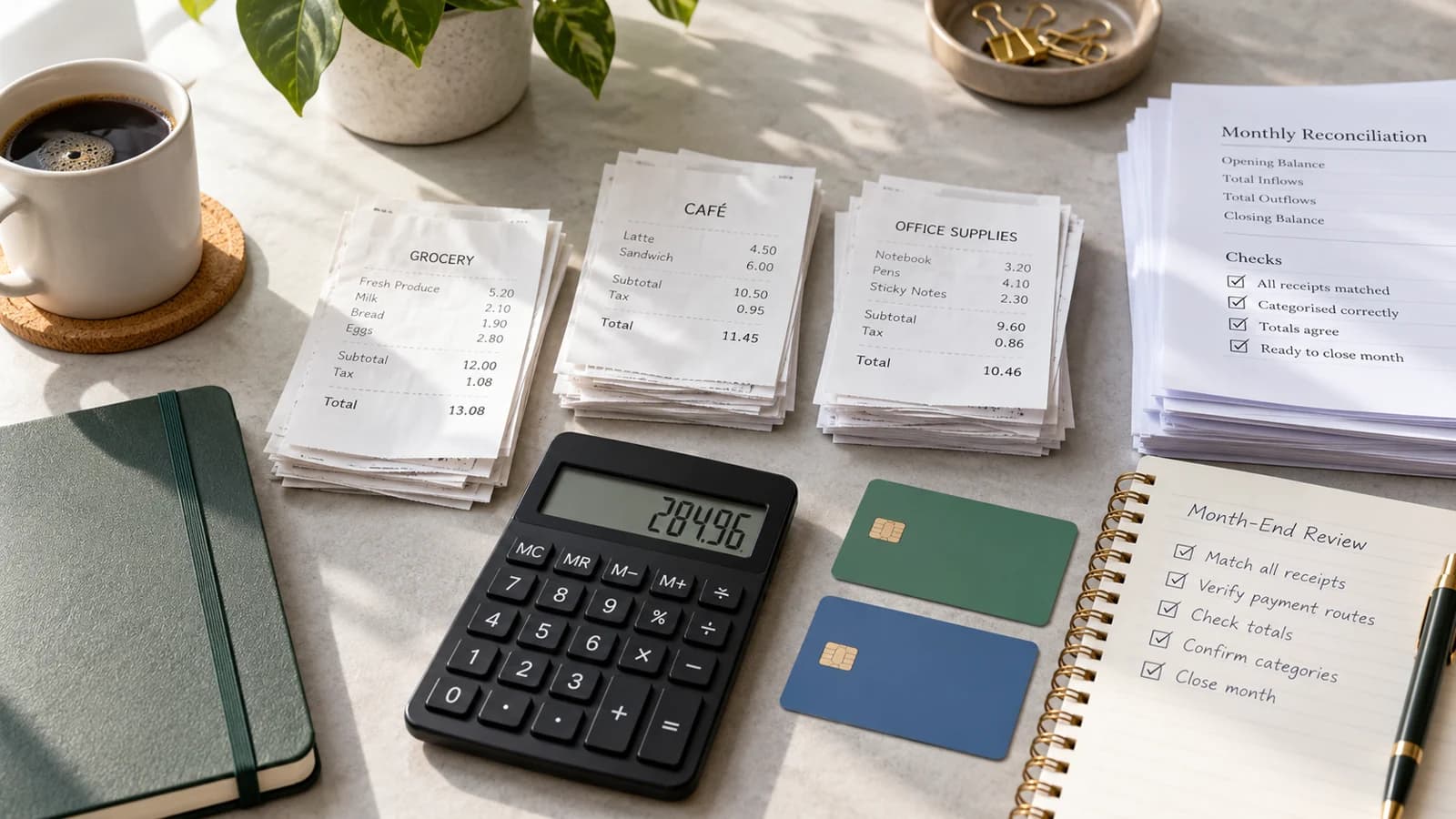
Reconciliation starts before the payment arrives
A finance team cannot reconcile a payment cleanly if the business never created a stable record of what was due. For recurring M-PESA collections, the chain is: invoice, payment attempt or C2B payment, M-PESA evidence, match, reconciliation and settlement evidence.
The customer's payment can be complete while finance still has work to do. That is why payment state and reconciliation state should be kept separate.
Step 1: create a stable invoice
Suppose a professional association charges a member KES 6,000 for annual renewal. Create the commercial record first:
Invoice:   INV-2027-00481
Member:    M-1048
Period:    2027 membership
Amount:    KES 6,000
Due date:  31 January
Status:    Due
The invoice ID belongs to your system. Do not replace it with an M-PESA transaction ID: the two IDs answer different questions.
Step 2: carry a useful payment reference
If the member pays through PayBill, the account number they enter should identify the commercial record. Depending on your design, that might be a member number, customer account or invoice reference. Avoid asking customers to invent a reference; use one that maps to exactly one account and can be validated.
Safaricom's C2B confirmation payload returns the customer's account entry as BillRefNumber, alongside the M-PESA transaction details. That field is what lets you match a payment to the right invoice or account.
Step 3: keep the M-PESA confirmation fields
The Daraja C2B confirmation includes fields such as:
- TransID: the M-PESA transaction reference.
- TransTime: the transaction timestamp.
- TransAmount: the amount received.
- BusinessShortCode: the PayBill or Till that received the payment.
- BillRefNumber: the account reference the customer entered.
- MSISDN: the payer's number, subject to Safaricom's masking and data-handling rules.
Store these as provider evidence, and do not overwrite your invoice fields with them. A useful reconciliation record keeps both sides:
Merchant invoice ID:  INV-2027-00481
BillRefNumber:        M-1048
M-PESA TransID:       (provider transaction reference)
TransAmount:          KES 6,000
Invoice amount:       KES 6,000
Match status:         Matched
Step 4: check the match
A confident match can use the expected account reference, the amount, the receiving shortcode, the transaction ID, the timing and the customer's account history. Never match on amount alone: ten members can owe KES 6,000 on the same day.
When references and amounts line up, match the transaction automatically. When they do not, create an exception.
Step 5: treat an unmatched payment as an exception, not a failure
Common cases:
- Wrong BillRefNumber: the money arrived, but the reference does not map to a known customer.
- Amount mismatch: the invoice is KES 6,000 but the transaction is KES 5,000.
- Duplicate payment: two successful payments appear against one invoice.
- Missing provider record: the invoice was marked paid by hand, but no M-PESA evidence is linked.
- Payment with no invoice: finance has the money but no known obligation to match it to.
Do not force a match. Put the item in an exception queue with the evidence needed for review.
Step 6: close the invoice when the evidence is sufficient
Once the payment is matched with confidence:
Invoice status:         Paid
Paid amount:            KES 6,000
Payment method:         M-PESA
M-PESA TransID:         linked
Paid at:                transaction time
Reconciliation status:  Matched
At this point, collection activity should stop. Do not keep sending reminders because finance has not finished settlement matching.
Step 7: check payments when evidence is missing
Sometimes the expected evidence never arrives, and you need certainty before you retry, mark the invoice failed or ask the customer to pay again. Daraja offers two different checks:
- For a payment request sent with M-PESA Express (STK Push): the M-PESA Express Query API returns the status of that request using the CheckoutRequestID you received when you sent it.
- For a completed transaction: the Transaction Status API, which Safaricom describes as a secondary reconciliation mechanism when callbacks are not received, looks up a recent transaction by its M-PESA receipt number or OriginatorConversationID.
Until one of these checks resolves the attempt, keep it marked as unknown rather than failed.
Step 8: reconcile settlement separately
The customer's payment and the provider's settlement to you are different events. Depending on your provider arrangement, finance may later need to match the provider transaction, fees, settlement batch, settlement date and bank entry.
Do not hold the customer's invoice open while waiting for that. A healthy record can look like this:
Invoice:         Paid
Payment match:   Confirmed
Reconciliation:  Matched
Settlement:      Pending
Step 9: record payments made outside the usual route
A member may pay by manual PayBill entry, another wallet, bank transfer or another route you accept. If you accept it, mark the invoice as paid externally, with evidence:
Invoice:      INV-2027-00481
Status:       Paid externally
Method:       Bank transfer
Reference:    (bank reference)
Verified by:  Finance
Verified at:  (timestamp)
Do not create an M-PESA attempt for a payment that did not go through M-PESA.
Step 10: reconcile the billing period
At month-end, finance should be able to answer:
- how much became due;
- how much was paid;
- how much remains overdue;
- how much is unresolved;
- how many M-PESA transactions matched automatically;
- how many needed manual review;
- whether any duplicate payments occurred;
- which paid transactions are still in settlement reconciliation.
That is a stronger finance control than a spreadsheet showing only paid and not paid.
Period-close checklist
Before closing a period, check that:
- Every paid invoice has payment evidence.
- Every provider transaction is matched or deliberately left in the exception queue.
- Duplicate payments have been investigated.
- Amount mismatches are explained.
- Unresolved attempts have been checked.
- External payments have evidence.
- Reminders have stopped for paid invoices.
- Settlement exceptions are tracked separately from customer payment status.
Reconciliation worked example: three KES 6,000 payments
The table below is an invented training example, not actual merchant or provider data. A professional association has one KES 6,000 renewal invoice for member M-1048.
| Evidence received | Recommended classification | Next finance action |
|---|---|---|
| C2B reference M-1048, KES 6,000, unique provider transaction ID | Candidate exact match | Verify receiving shortcode, amount and transaction uniqueness, then allocate once |
| C2B reference M-1048, KES 5,000, unique provider transaction ID | Amount mismatch or partial payment | Follow the association's partial-payment rule; keep the KES 1,000 balance visible if allowed |
| A second distinct KES 6,000 successful transaction against the already-paid invoice | Potential duplicate payment | Preserve both provider records; open a refund/credit investigation under approved policy rather than crediting the same invoice twice |
There is no safe universal rule that every partial payment closes an invoice, nor that the newest transaction replaces earlier evidence. A match requires a reproducible explanation of which provider event satisfied which obligation.
The minimum evidence packet for a finance exception
An exception should have an owner and enough traceability to resolve it without repeatedly asking the customer for screenshots:
- merchant account and receiving shortcode or provider route;
- invoice/account reference and amount expected;
- provider transaction ID, recorded timestamp and amount received, where available;
- whether the payment was confirmed, matched and settled—three separate facts;
- why the automated match was rejected;
- next verification action, owner and resolution history.
At period close, report unmatched provider money separately from unpaid invoices. An unresolved transaction should remain visible until provider evidence resolves it; do not silently reclassify it as a failed charge because an internal timer elapsed. For the customer-facing side of that decision, use the failed-payment recovery playbook.