The right status check depends on which M-PESA flow created the payment.
For M-PESA Express (STK Push), keep the CheckoutRequestID and use M-PESA Express Query when the final result is missing. For completed or other M-PESA transactions where you have the relevant transaction identifiers, Transaction Status can support verification and reconciliation.
Keep three records separate
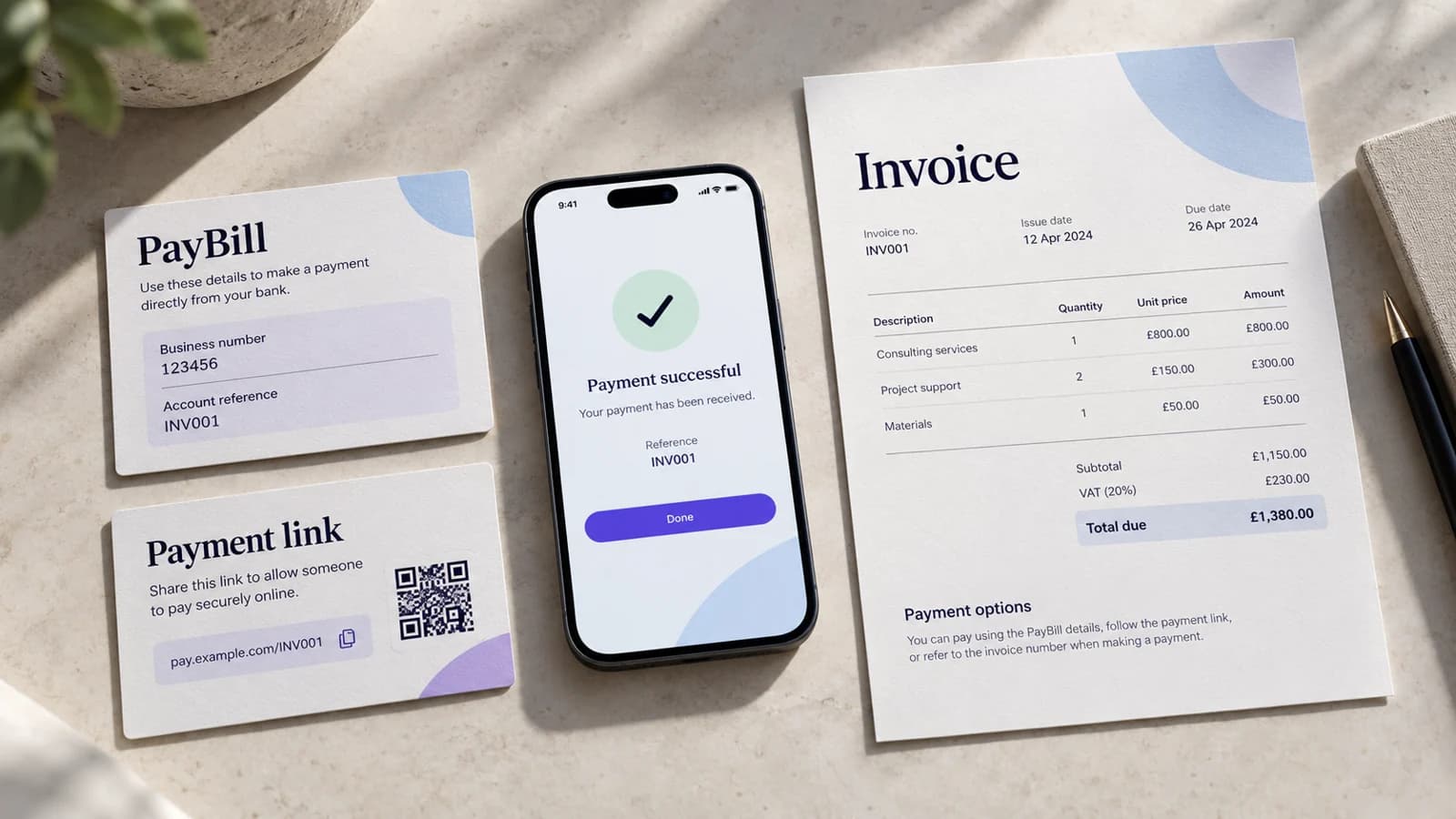
Invoice
The commercial amount due, such as November membership — KES 3,500.
Payment attempt
The specific M-PESA Express request, including MerchantRequestID and CheckoutRequestID returned when it was initiated.
Provider transaction evidence
The final result, including the result code and, on successful payment, the M-PESA receipt number and other callback metadata.
M-PESA Express: query by CheckoutRequestID
When an STK Push callback is late or missing, the M-PESA Express Query API checks the request using its CheckoutRequestID.
That is why CheckoutRequestID should be stored on the attempt immediately after initiation. Do not wait for the callback to create the linkage.
Transaction Status: use the transaction identifiers it expects
Safaricom's Transaction Status API is a different operation. It is useful when checking a transaction by an M-PESA receipt number or Originator Conversation ID and is commonly part of reconciliation or investigation workflows.
Do not substitute Transaction Status for M-PESA Express Query when all you have is an unresolved STK request and its CheckoutRequestID.
Map provider evidence back to the invoice
A status lookup is only operationally useful if it resolves the correct attempt and invoice.
- Store invoice ID on your payment attempt.
- Store CheckoutRequestID for every M-PESA Express attempt.
- Store the M-PESA receipt number once a successful callback supplies it.
- Preserve result codes and descriptions rather than overwriting them with a generic success/failure flag.
Do not collapse missing evidence into failure
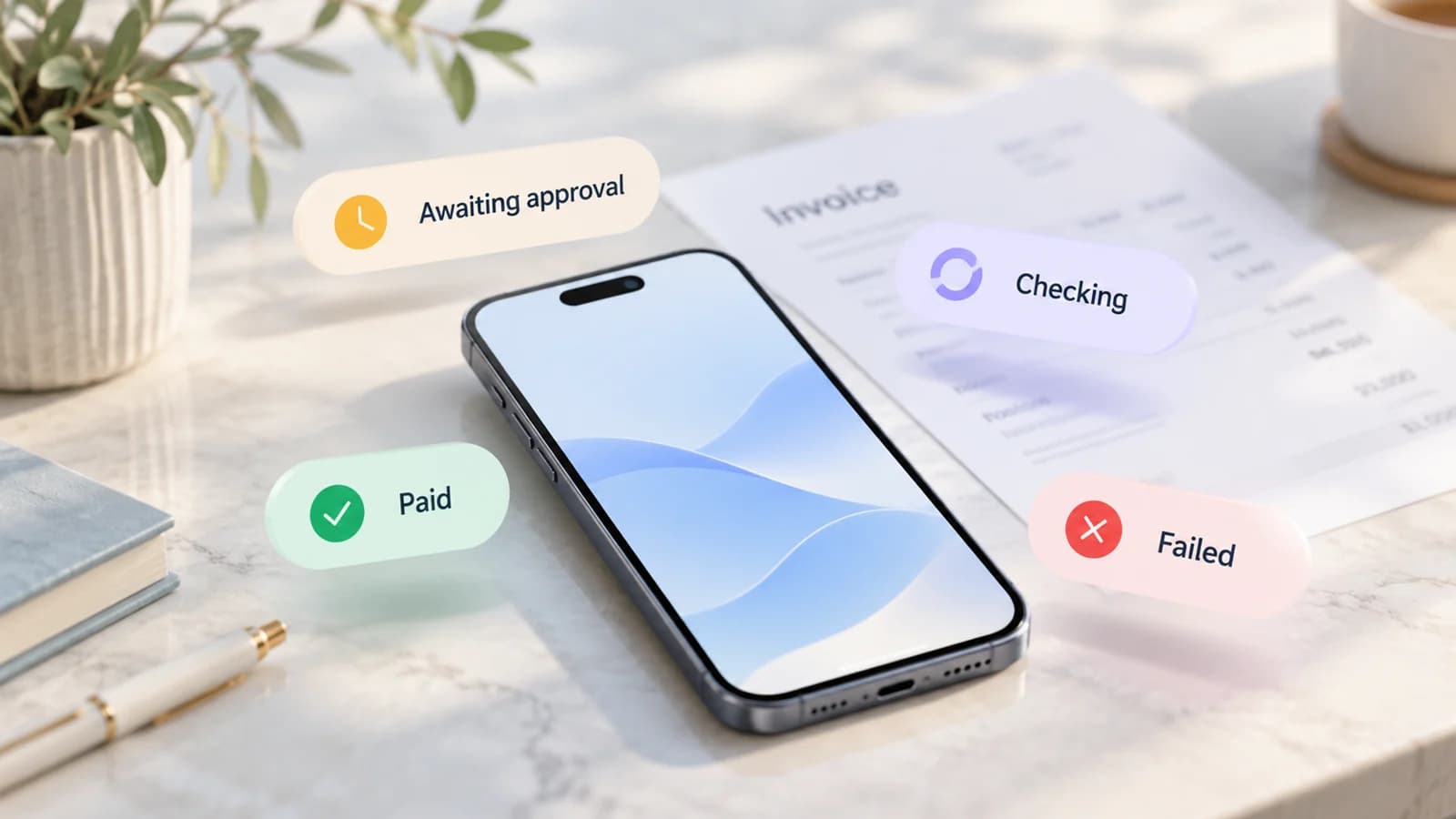
If a callback has not arrived, mark the attempt unresolved or unknown while you query it. A missing callback does not prove that the customer failed to pay.
Retry should remain blocked until the previous request is safely resolved.
A practical status flow
STK request created → store CheckoutRequestID → await callback → if callback is missing, query M-PESA Express → map final result to attempt → if successful, attach receipt number and close invoice → if final unsuccessful, leave invoice due and apply recovery policy.
Keep customer, operations and finance views different
Customers need plain language such as “We are checking your payment.” Operations may need the CheckoutRequestID, result code and timestamps. Finance may later need the M-PESA receipt number and reconciliation evidence.
Sources
Safaricom Daraja M-PESA Express API: https://developer.safaricom.co.ke/apis/MpesaExpressSimulate
Safaricom Daraja M-PESA Express Query API: https://developer.safaricom.co.ke/apis/MpesaExpressQuery
Safaricom Daraja Transaction Status API: https://developer.safaricom.co.ke/apis/TransactionStatus