From due date to paid, step by step.
Follow one regular payment from the day you set it up to the day the record closes, including what happens when it does not go to plan.
Northline. A gym with monthly members. Monthly membership, KES 3,500 every month.
The steps are the same for every example.Set what becomes due
Tell Roamerwave once what a customer owes, how much and how often. That is the schedule every later step follows.




No request yet.
- What is due
- Monthly membership
- Amount
- KES 3,500
- How often
- every month


Three results. Three different next steps.
A payment that has not arrived is not the same as one that failed. Roamerwave treats each result on its own terms.
- Your customer
- Sees the payment confirmed and hears nothing more about it.
- Roamerwave
- Stops the reminders for that bill and matches the payment to its record.
- Your team
- Sees it as paid. Nothing to do.

What your customer actually sees.
The same steps as full screens, from sign-up to the next payment. This example follows a subscriber to Letu, a fictional subscription service.
Start with your business and subscription plan. Letu offers video podcasts and documentaries. Roamerwave connects its monthly billing to the service customers already enjoy.
Your customer chooses Letu Plus at KES 890 a month. That plan and price carry through to billing, so you don’t have to recreate their details every cycle.
Give customers a clear enrolment flow for mobile money and service consent. Their number verification and agreement to the subscription remain separate from payment approval.
Roamerwave creates the bill and sends a secure payment link. Your customer reviews it and approves through their wallet in this journey. You don’t handle their wallet PIN.
Your records update when payment is confirmed. Letu can activate the subscription using that result, so your customer can start watching.
Each new billing cycle creates its own invoice and payment link automatically. Your customer gets the next KES 890 bill without your team preparing a new request.
For an unpaid renewal, Roamerwave sends scheduled reminders within your agreed policy. If a payment result is unclear, follow-up pauses while it is checked.
Once your customer pays, the bill is marked paid and further reminders stop. Your team sees the renewal in one record and Letu can keep the subscription active.

From a first subscription to the next month’s stories.
Start in the workspace, or connect it.
Use the Roamerwave workspace
Set up what is due, see who has paid and handle the exceptions from one place.
See the platformConnect your own software
Keep running on the system you already use. Create bills and read payment results through the API.
Developer overviewYour provider handles the funds at every step.
Licensed payment providers process and settle your customers’ payments under your approved relationship. Roamerwave manages the requests, reminders and records around them.
Explore our safeguardsYour customer stays in control.
Payment approval follows the wallet and provider requirements for the payment method your business uses.
Your provider handles the funds.
Customer funds pass through your payment provider to your business. Roamerwave does not hold the money.
No wallet PIN, ever.
Roamerwave never asks for or collects a customer’s wallet PIN.
One record that answers the questions.
When the cycle closes, your team can see what was due, how it was paid and whether follow-up stopped, without asking anyone.
- What was due
- October membership · KES 3,500
- Payment
- Confirmed by the provider
- Reminders
- Stopped
- Reconciliation
- Matched to invoice
- Settlement
- Reported separately by your provider

Read more about each step.
The guides behind the payment you just followed.
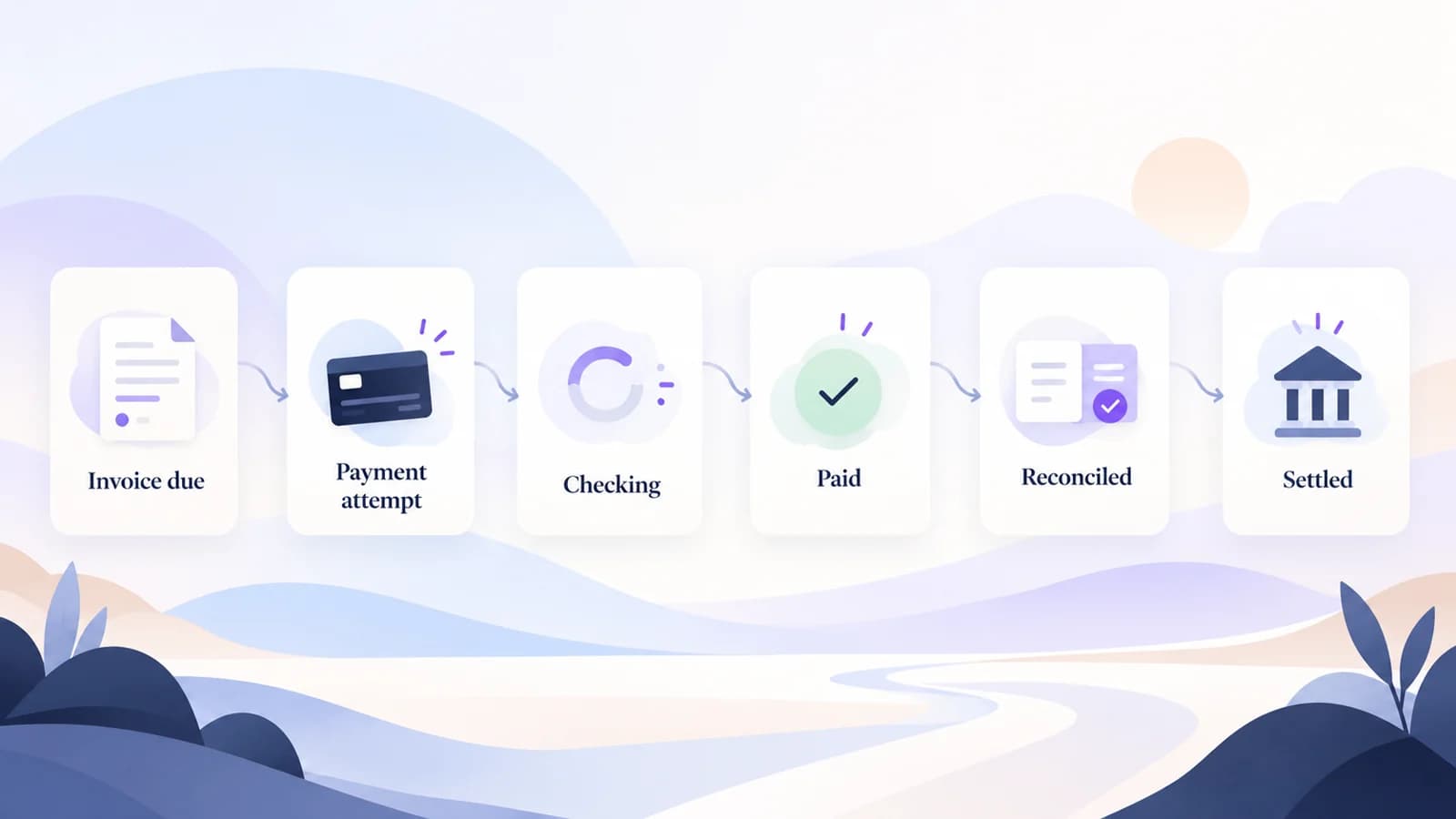
The Recurring Payment Cycle, From Due to Settled
A short visual guide to the recurring-payment lifecycle: due, attempt, payment state, recovery, paid, reconciled and settled.
Read guide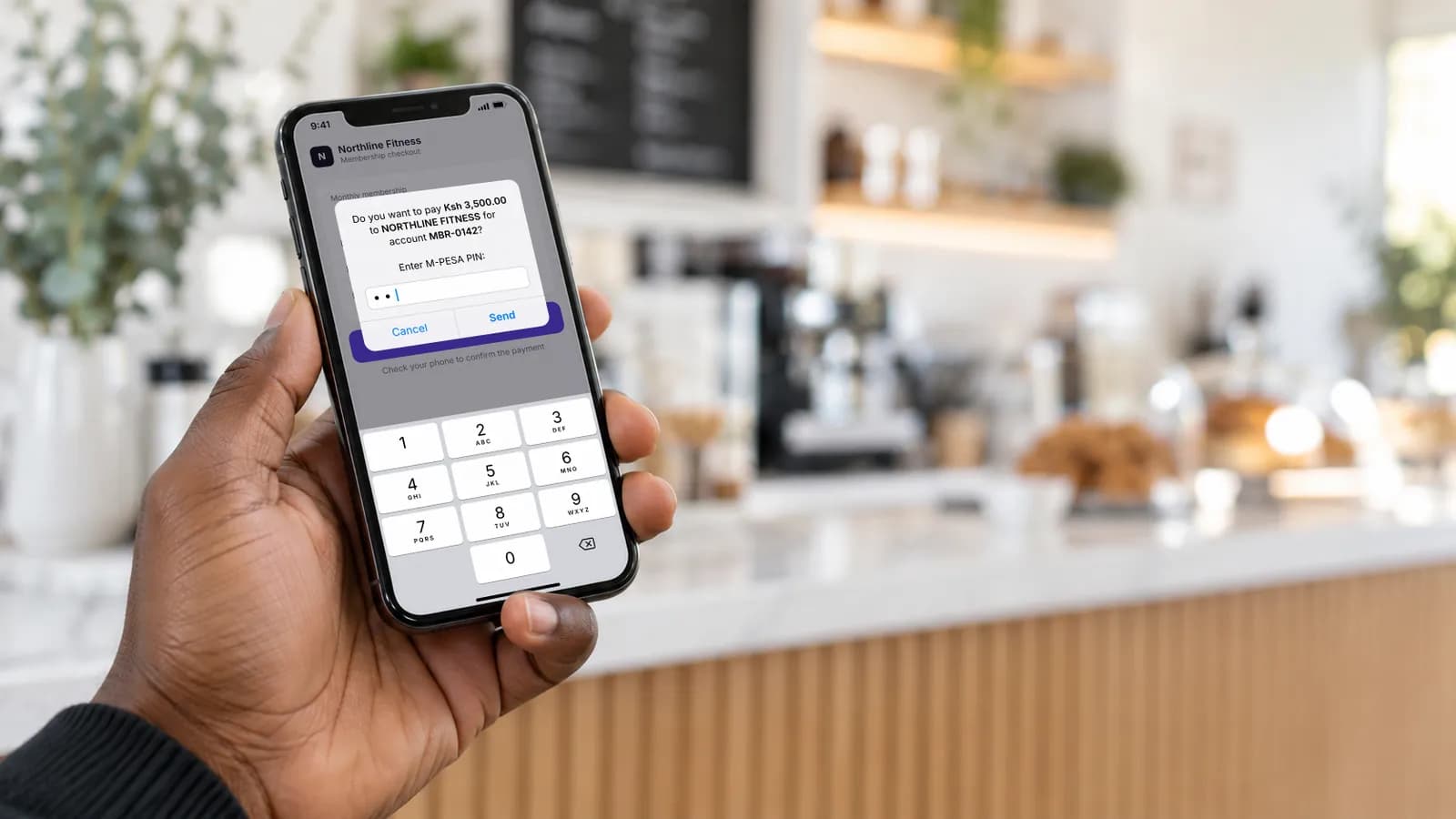
STK Push for Recurring Billing: What It Does, What It Doesn't, and Where the Workflow Continues
STK Push can start an M-PESA payment, but recurring billing still needs invoices, customer approval, payment status checks, recovery and reconciliation.
Read guide
M-PESA Result Codes Explained: Pending, Failed and Unresolved Payments
Understand common M-PESA Express result codes such as cancellation, timeout, insufficient balance and wrong PIN, and what each should trigger in a recurring billing workflow.
Read guide
M-PESA Reconciliation for Recurring Invoices: A Step-by-Step Business Workflow
Learn how to reconcile recurring M-PESA invoices using invoice IDs, C2B confirmation fields, M-PESA transaction references and finance exception handling.
Read guideSee it with your own routine.
Tell us what becomes due, how your customers pay today and where the process breaks. Or join the waitlist for launch updates.