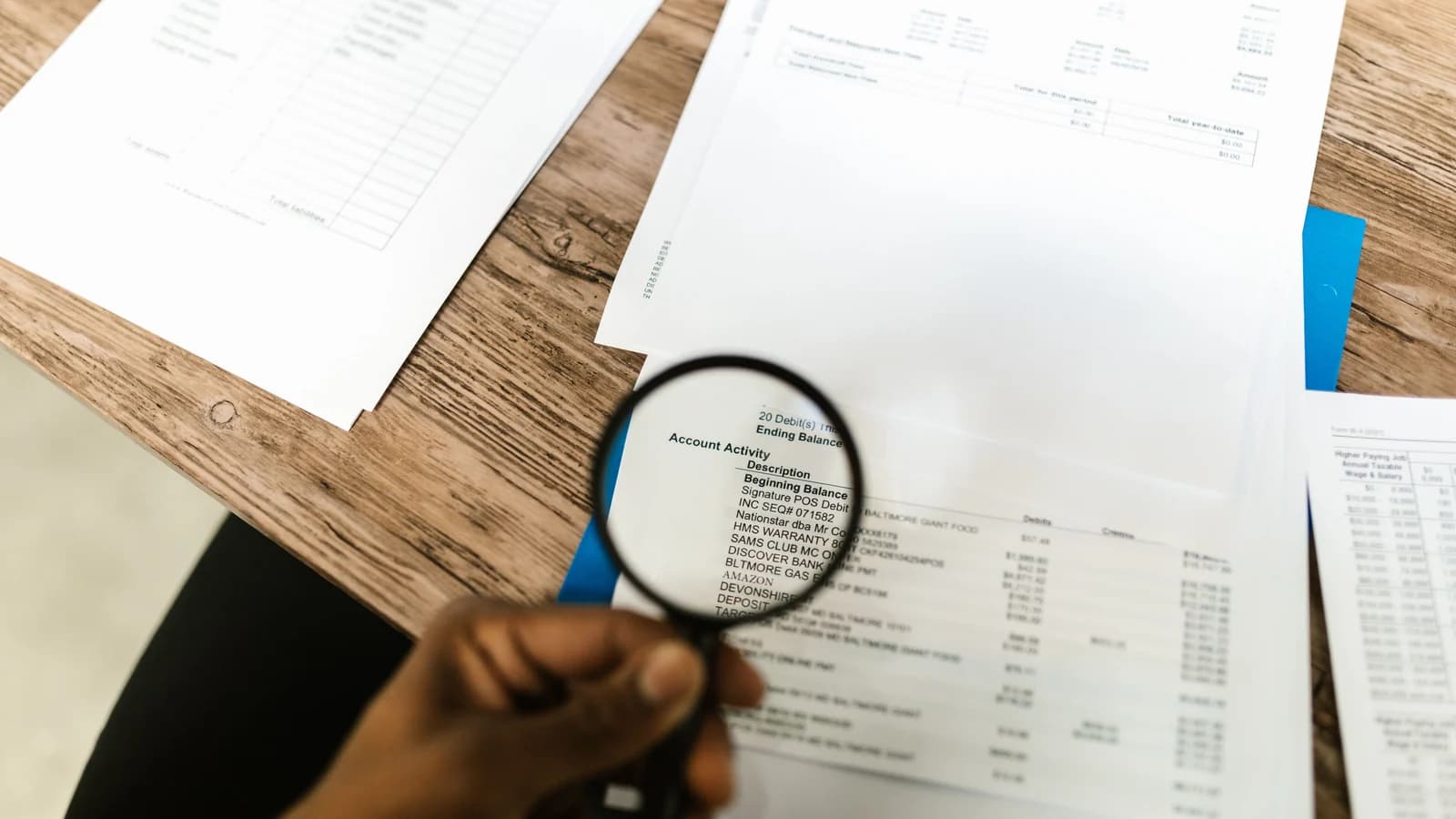
A screenshot is customer-supplied evidence, not the merchant's payment record
Screenshots are convenient because customers already have the M-PESA message on their phone. They are also a weak system of record.
A screenshot can be old, altered, cropped, sent for the wrong transaction or attached to the wrong customer. Safaricom's own fraud-awareness material explicitly lists fake or old M-PESA messages as a fraud pattern.
The merchant should verify from its own provider evidence
For PayBill/Till C2B payments, use the merchant's confirmation data and transaction reference. For M-PESA Express, store the CheckoutRequestID, process the callback and query an unresolved request when needed.
The customer should not have to become the integration between M-PESA and the merchant's ledger.
Why screenshots create recurring-payment problems
- Staff must inspect every payment manually.
- The same screenshot can be forwarded more than once.
- The screenshot may not identify the correct invoice or billing period.
- Payment confirmation can depend on one staff member being online.
- Fraudulent or altered proof is harder to detect than checking the merchant's own transaction record.
Keep screenshots as exception evidence
There are still cases where a screenshot can help support investigate a mismatch. Use it to collect clues such as transaction reference and timestamp, then verify against the merchant/provider records.
Do not treat the image itself as conclusive proof.
A transition plan for a small business
- Define one account/reference convention for recurring customers.
- Store provider transaction references against invoices.
- Train staff to search the provider record before asking for a screenshot.
- Create an exception queue for wrong references and unmatched payments.
- Tell customers that screenshots are only needed when support asks for them.
What the customer experience should become
The customer pays, receives normal M-PESA confirmation, and the merchant updates the invoice from its own payment evidence. If something does not match, support asks for the transaction reference rather than forcing every customer into a manual screenshot ritual.
Sources
- Safaricom M-PESA fraud awareness: https://www.safaricom.co.ke/fraud-awareness/m-pesa-fraud
- Safaricom partner guidance on M-PESA confirmation messages: https://www.safaricom.co.ke/PartnerNewsletter/highlights/emerging-m-pesa-fraud-tactics
- Safaricom Buy Goods guide: https://www.safaricom.co.ke/images/Downloads/Buy-goods-guides.pdf
- Safaricom C2B API: https://developer.safaricom.co.ke/apis/CustomerToBusiness